
Click to download now, finish the installation quickly, and directly unlock the all-round experience
Screenshots

Click to download now, finish the installation quickly, and directly unlock the all-round experience
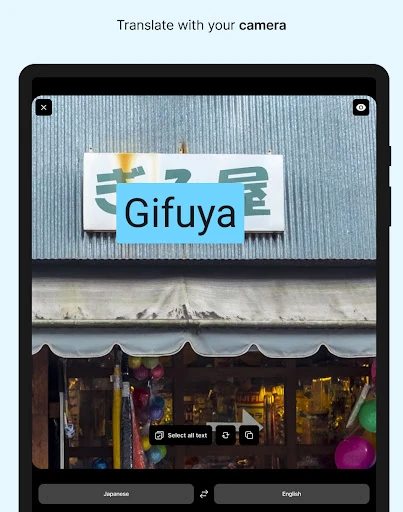
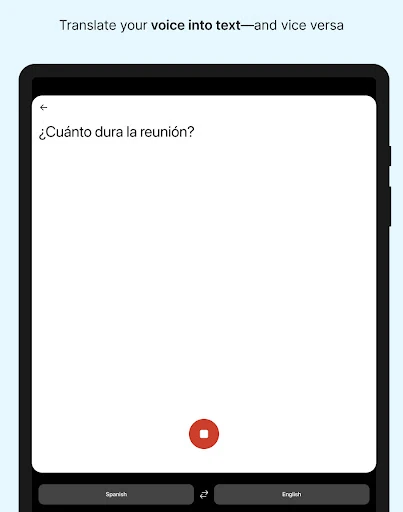
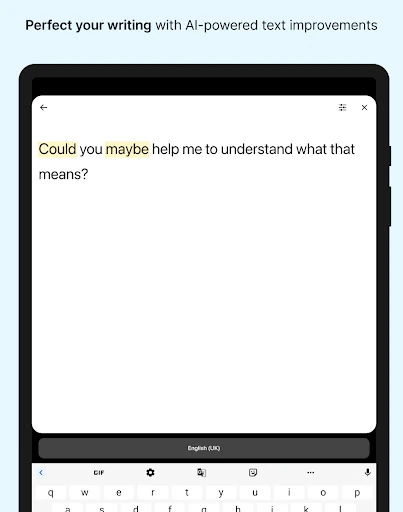
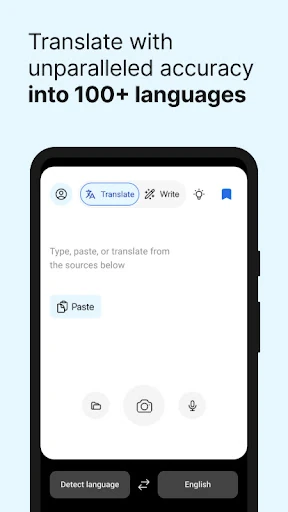
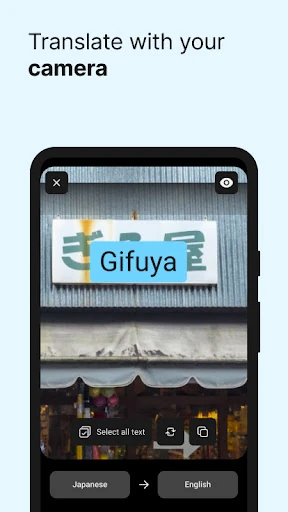
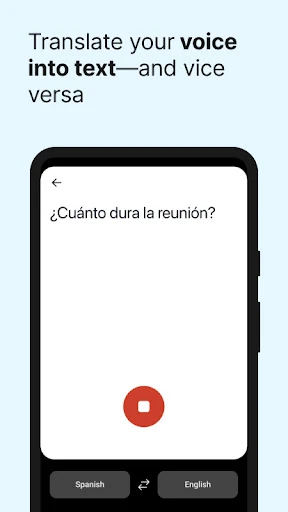
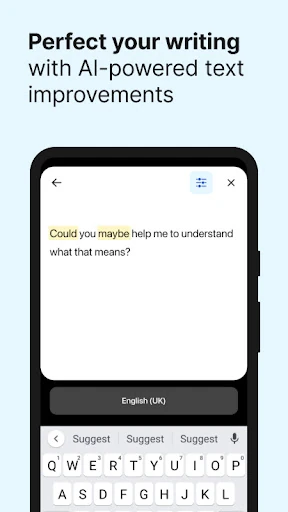
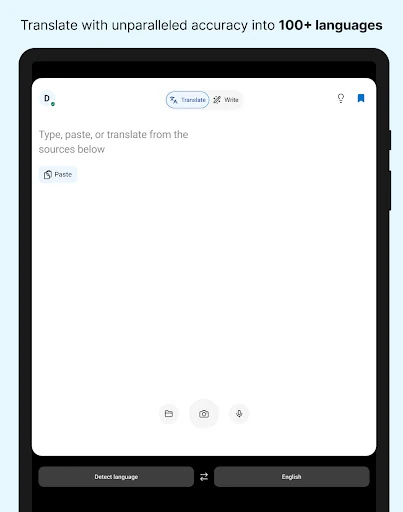
DeepL Translate turns text from one language into another, with options for typing, speaking or capturing text with a camera or photo. It also handles document translation and includes DeepL Write for suggestions on grammar and style. That makes it useful for travelers dealing with signs, learners checking phrases, and people drafting or reading text across languages.
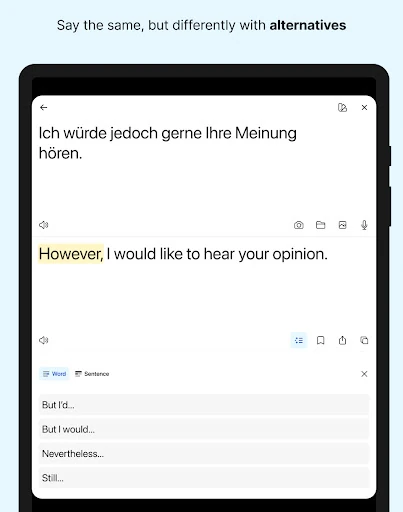
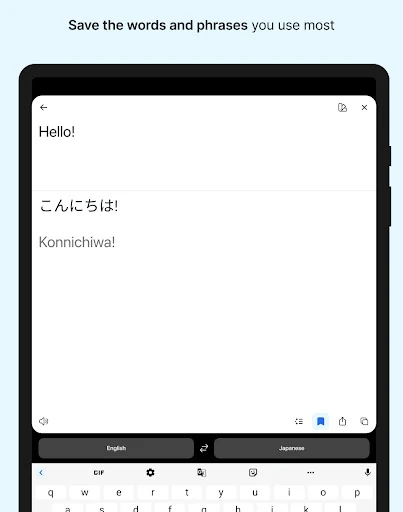
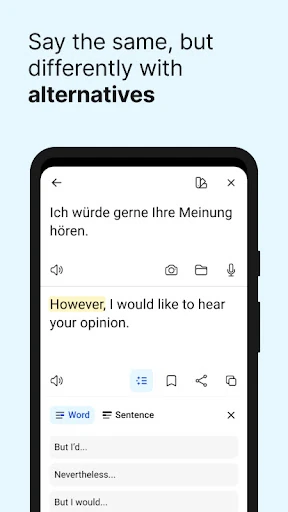
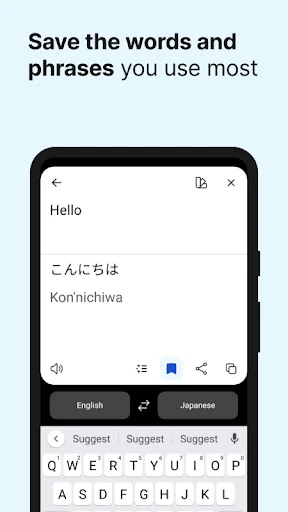
For cases where wording matters, the app offers formal and informal tone choices, a glossary for preferred terms, and alternative translations. Transliteration can help readers approach writing systems they do not know. These tools give you ways to check how a result is phrased, rather than treating the first translation as the only possible one.
The wider set of tools is useful if translation is part of regular study or work; it may be more than you need for an occasional word lookup. Translation can also miss context or nuance, so review important text before relying on it, especially when a mistake would matter. DeepL Write adds editing help, but it is not a substitute for your own judgment about meaning and tone.
DeepL Translate is published by DeepL SE in Books & Reference. Its 4.65 out of 5 rating across 393,718 ratings and 10,000,000+ installs show substantial uptake, though popularity alone cannot tell you whether its language support and writing tools match your needs. It is a good fit if you want translation plus ways to refine or inspect the result; a simpler translator may suit you better if you only need quick, occasional lookups.