Acode - Terminal & AI Coding
Foxbiz Software Pvt. Ltd.
Downloads
10,000+
Source
Google Play
Click to download now, finish the installation quickly, and directly unlock the all-round experience
Screenshots
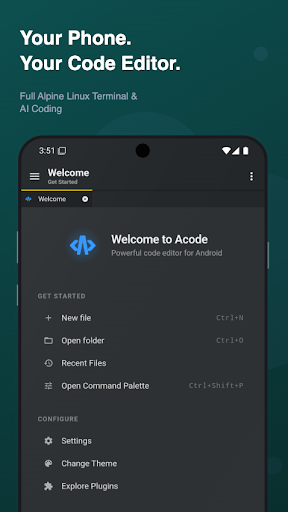
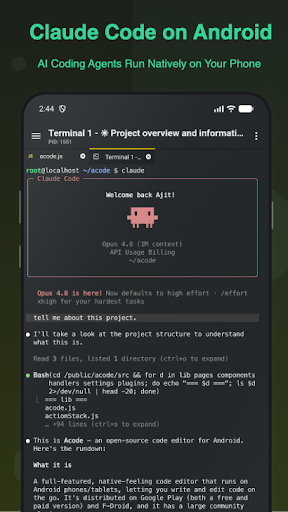
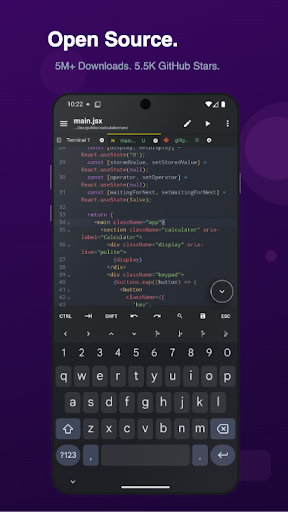
Click to download now, finish the installation quickly, and directly unlock the all-round experience
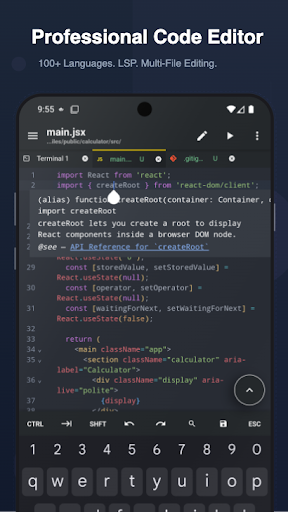
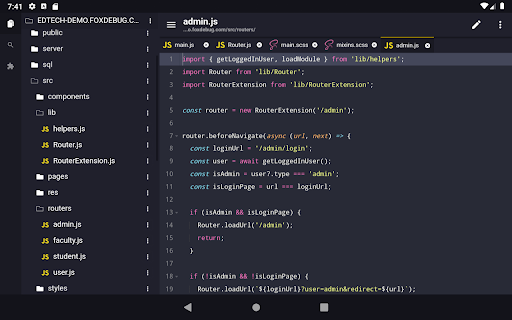
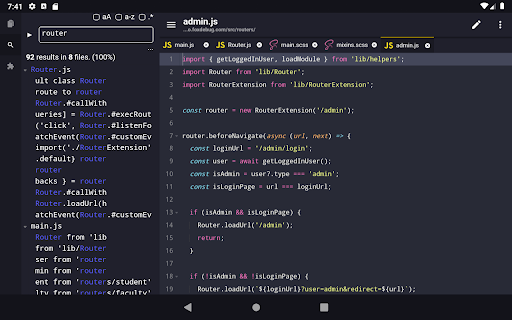
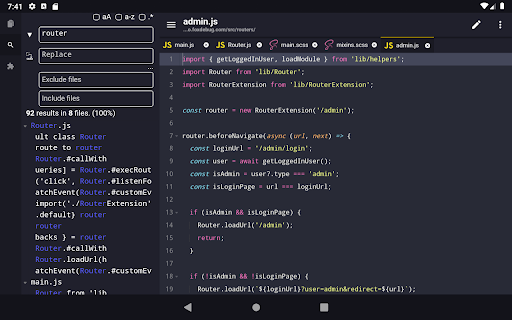
Acode - Terminal & AI Coding brings code editing and development tools to Android phones and tablets. It suits people who want to inspect or change web projects on the go, and developers comfortable setting up a mobile workspace. The editor supports syntax highlighting for more than 100 languages, multiple open files, project search and a live preview for HTML and Markdown.
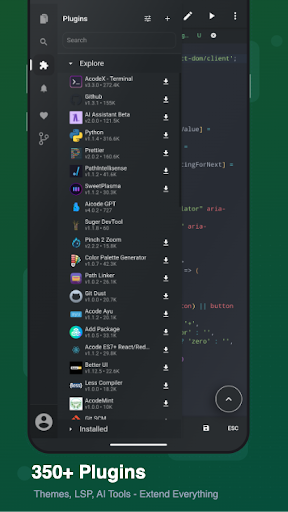
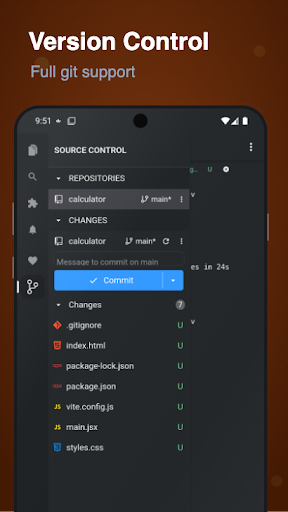
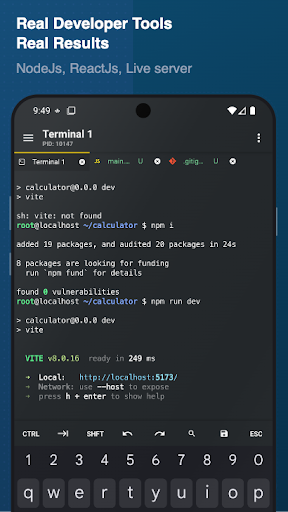
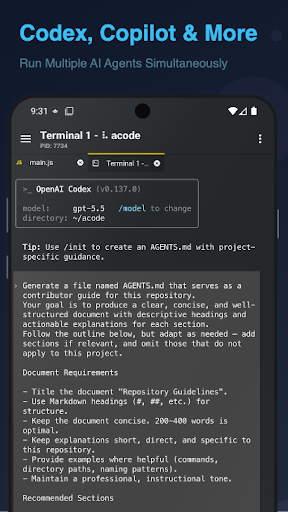
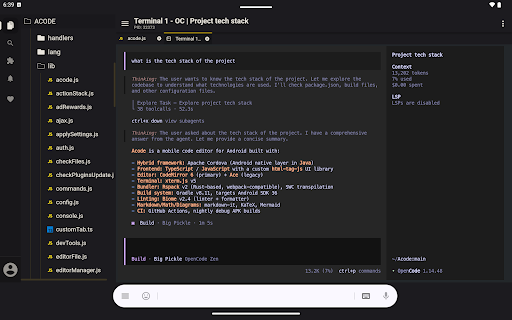
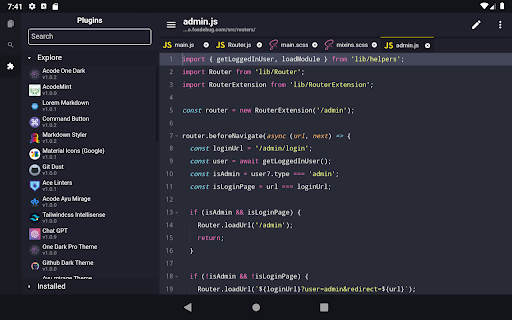
Alongside editing, Acode includes an Alpine Linux terminal that runs without root access. You can install supported command-line packages, use Node.js and npm for web projects, and work with Git or connect to remote systems through SSH. Plugins can add tools such as language servers, formatters and AI-assisted coding features; what is available depends on the plugins and setup you choose.
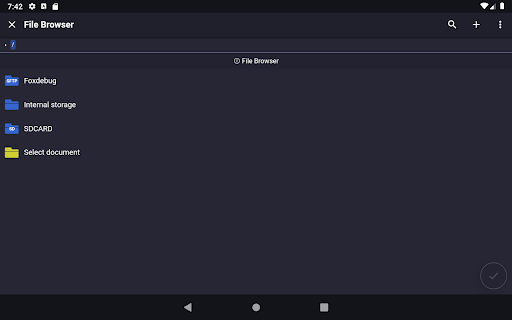
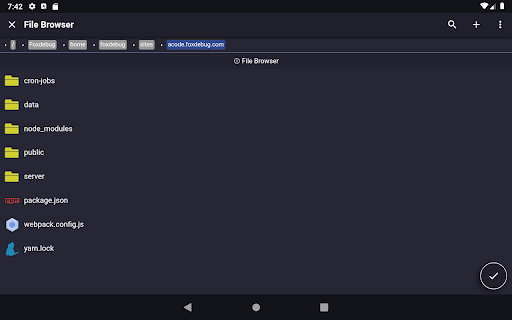
That flexibility is useful, but it also means Acode is not just a simple text editor. Terminal setup, packages and plugins add choices to manage, and editing a large project on a phone can be less comfortable than working at a computer. Acode's preview and file tools help with mobile work, but they do not remove those limits.
The app's broad toolkit may appeal if you already know which languages and development tools you need. If you only want to make occasional small text changes, its terminal and plugin options may be more than you need. AI support is part of the wider tool ecosystem rather than a guarantee that every coding task works automatically; availability depends on the relevant integration.
Acode is open source under the MIT license. It is listed in Productivity and has a 4.11 rating from 1,255 ratings, with 10,000+ installs. Those figures offer some context, but they cannot tell you whether its setup and controls will suit your device or workflow.
Consider Acode if you want an Android-based workspace for editing, previewing and managing web code, and are willing to configure the tools you use. For a basic editor with few setup decisions, a narrower app may be a better fit.